AI automation agency
AI automation agency that *takes the repetitive work off your team.*
AI automation earns its keep on the tasks your team does every day and nobody enjoys. We build workflows that handle those steps on their own and hand anything that needs judgement to the right person, with the context already attached.
AI automation, in numbers
101
Enquiries recorded since April
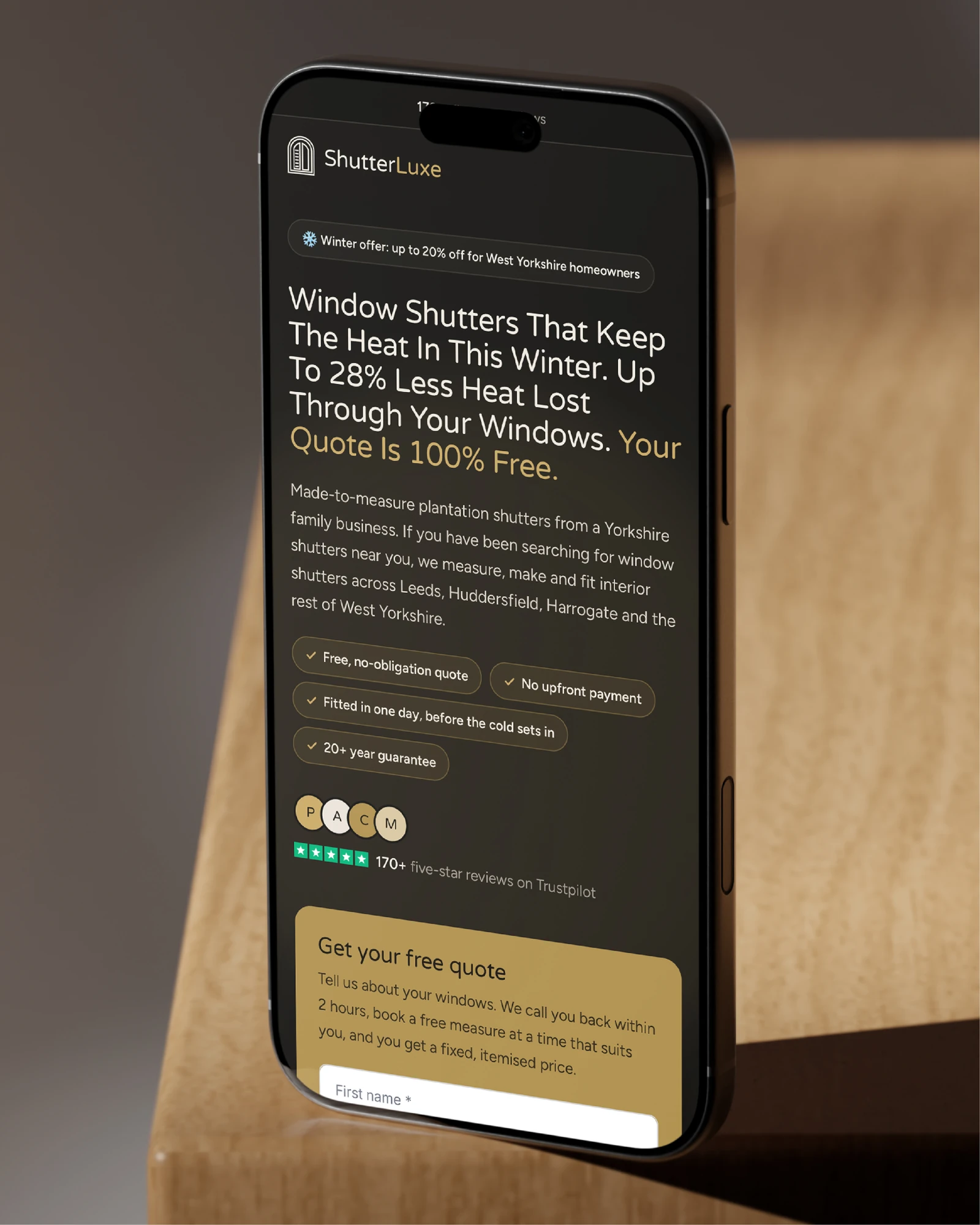
ShutterLuxe
51.8%
Increase in conversions
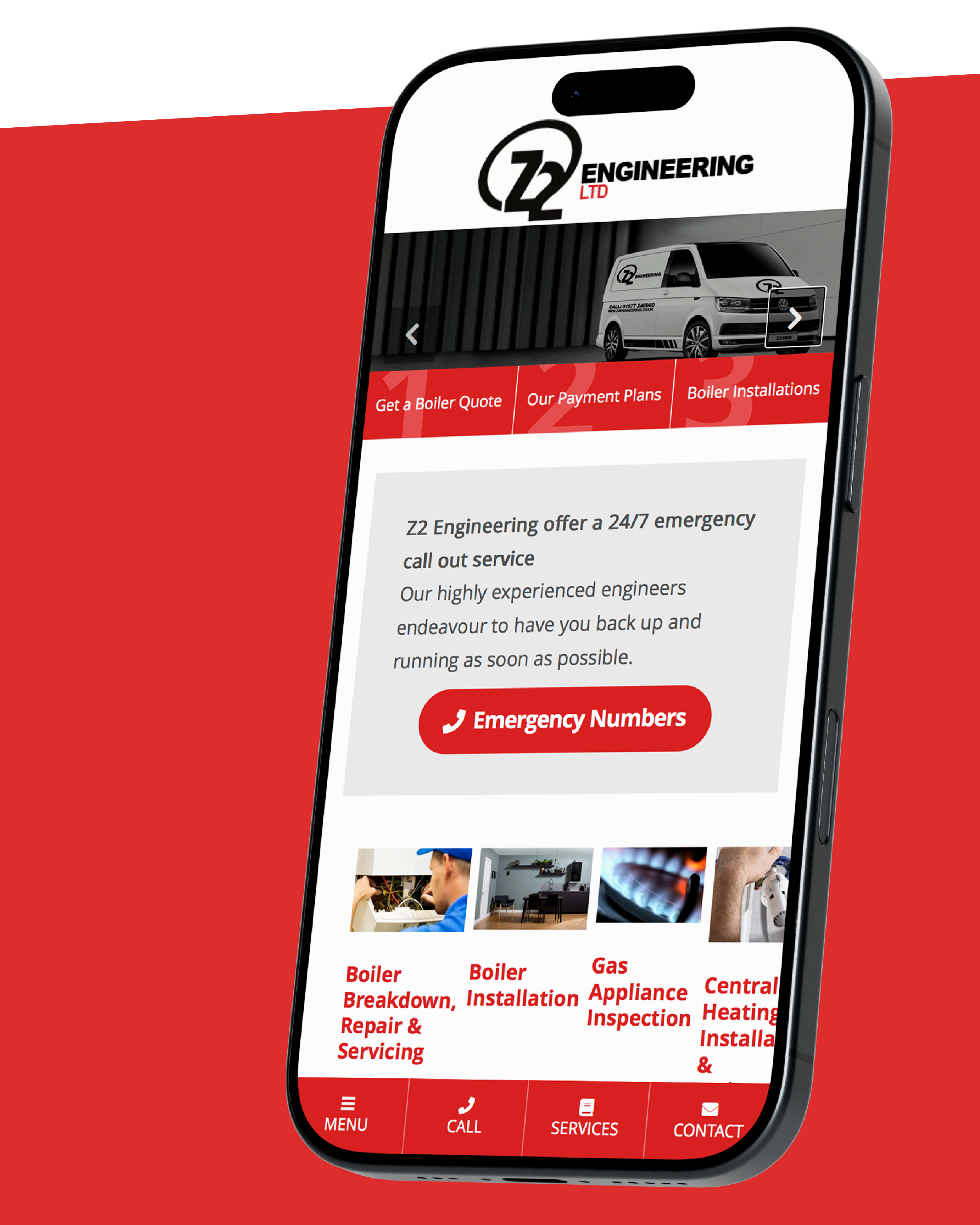
Z2 Engineering
10-year-old
Site replaced with a modern Webflow build
Yorkshire Laser
26.5%
More purchases in the three months after relaunch, year on year
Yorkshire Food Guide
33%
Monthly ad spend reduction
YESSS Electrical
20%
Increase in users proceeding to next checkout stage
YESSS Electrical
60+
Retailers, restaurants and venues given a proper home online
The Marlowes
655K
Impressions
The Ice Co
84K
Web app sessions recorded in Google Analytics
Temp Rewards
1.13M
Ad impressions
Tekla
9
Data accounts migrated seamlessly
Sustrans
100%
Improvement in email automations
Schofield Sweeney
1,800%
ROI
Raithwaite Sandsend
571%
Conversion rate increase on Book A Demo page
Radar Healthcare
12+
Client organisations now on the platform
ProAstra
18.7%
Increase in visibility
PNC Legal
6 weeks
For the Shopify website to be developed
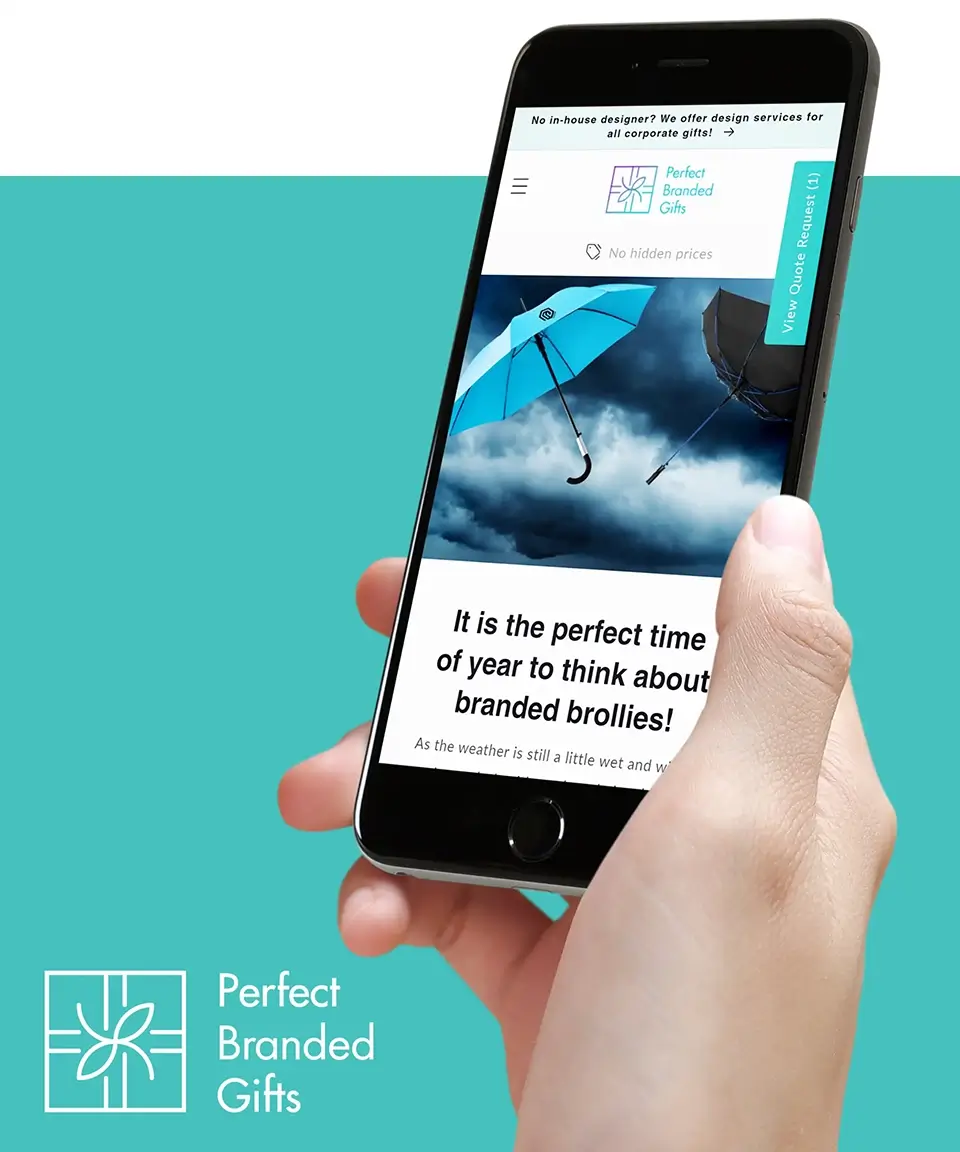
Perfect Branded Gifts
50K+
Customer accounts with one place for fleet tools
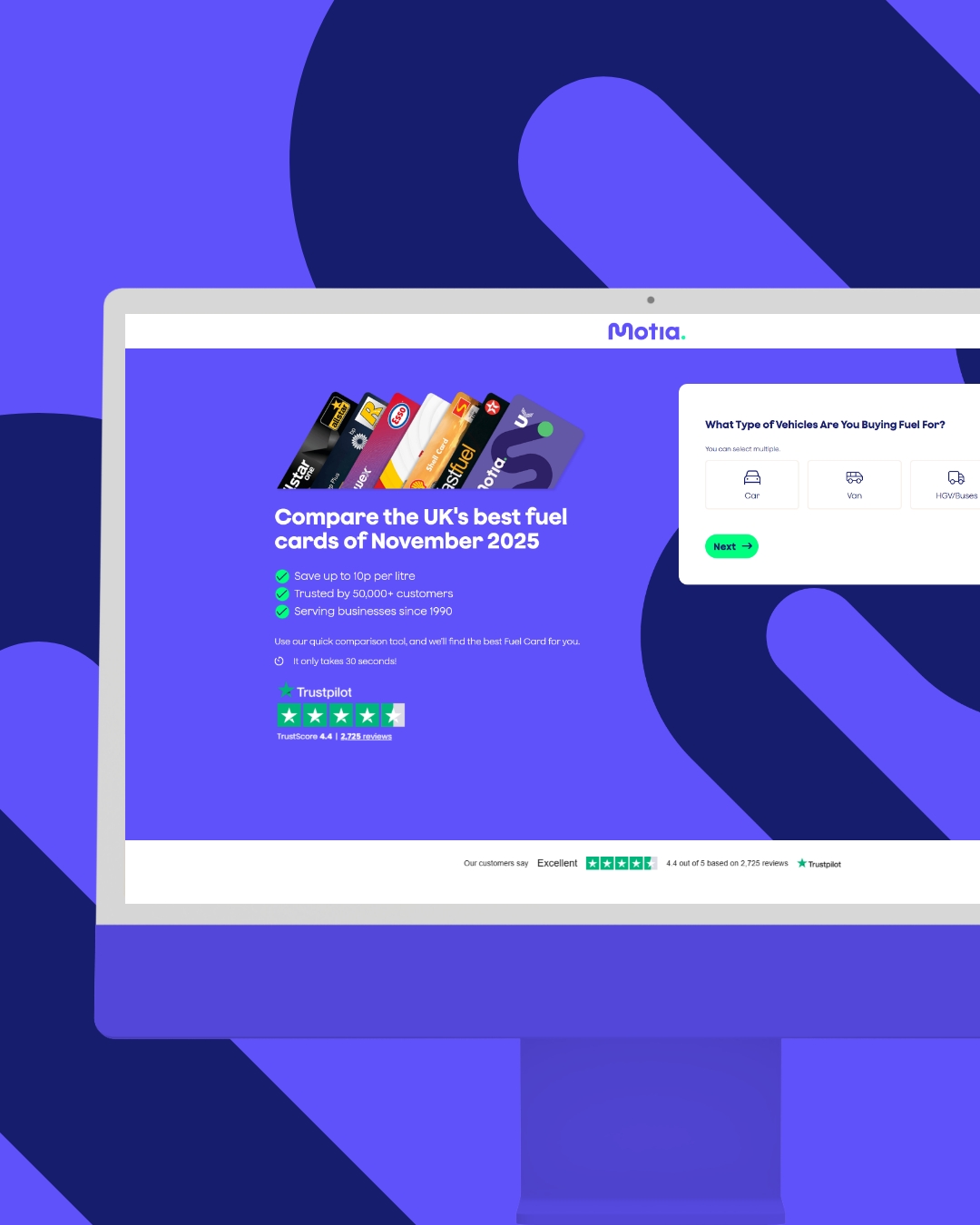
Motia
4
#1 keyword rankings
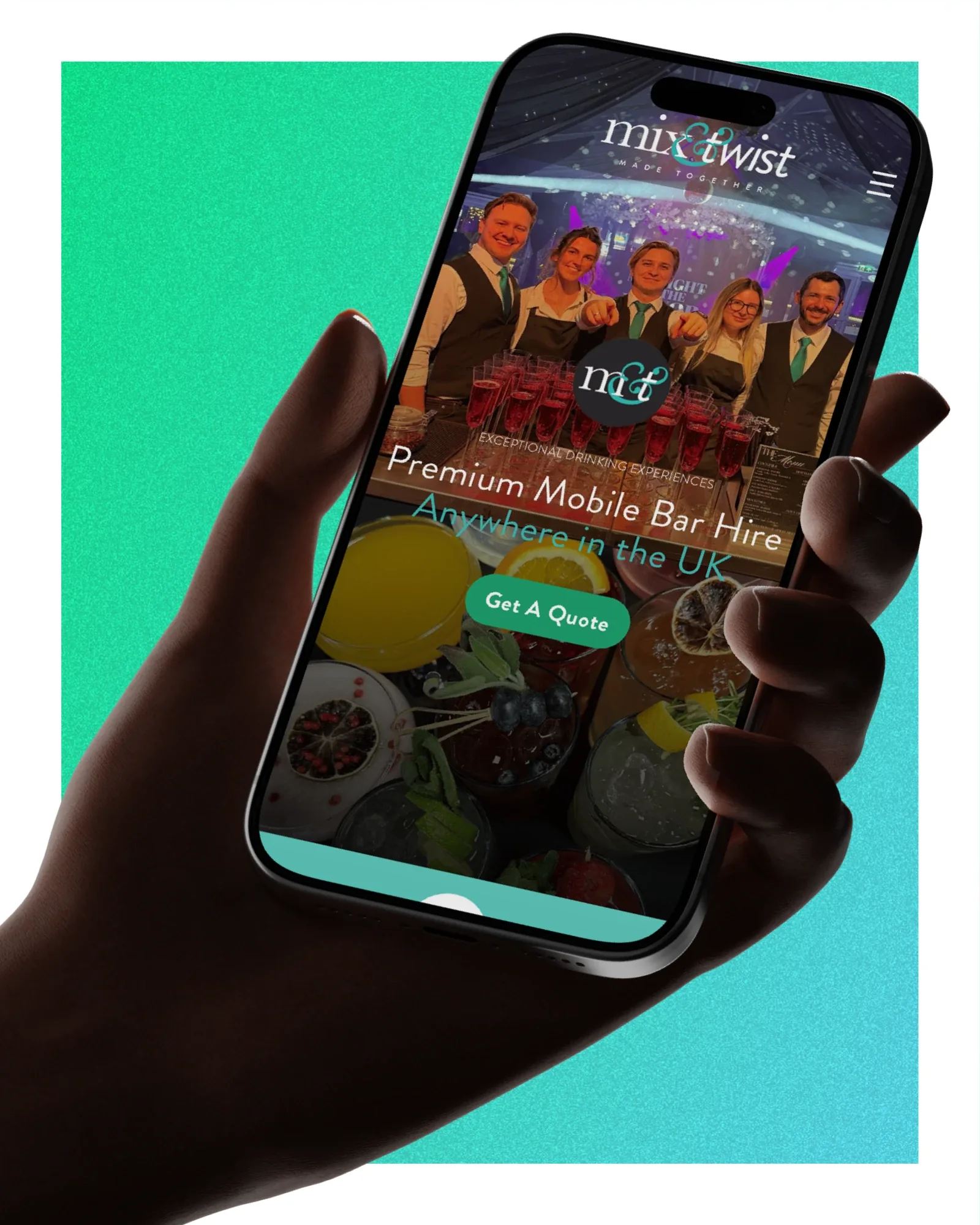
Mix & Twist
77%
Increase on YoY traffic
Melissa Salons
94.4%
Increase in organic traffic YoY
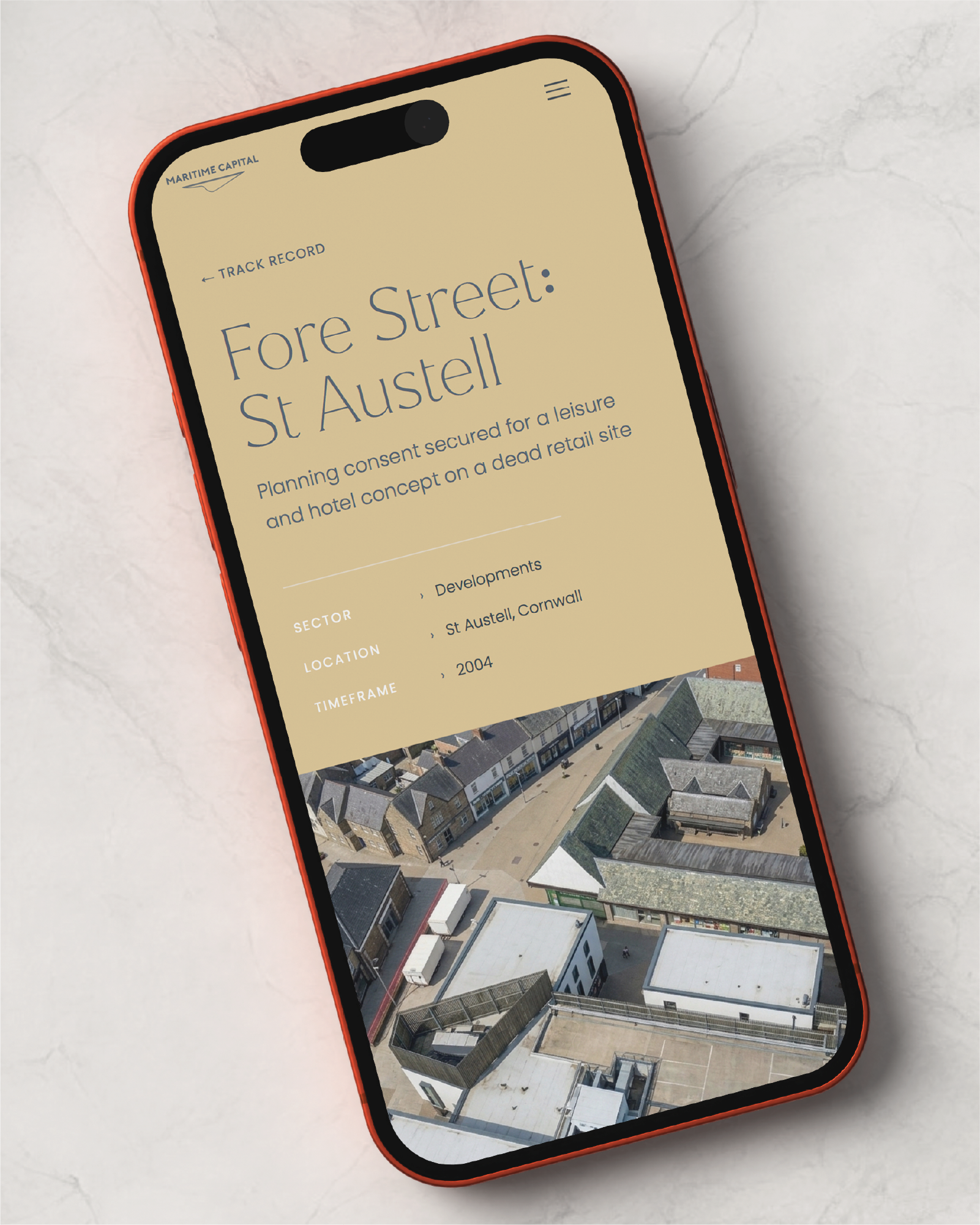
Maritime Capital
100%
Bespoke trade functionality
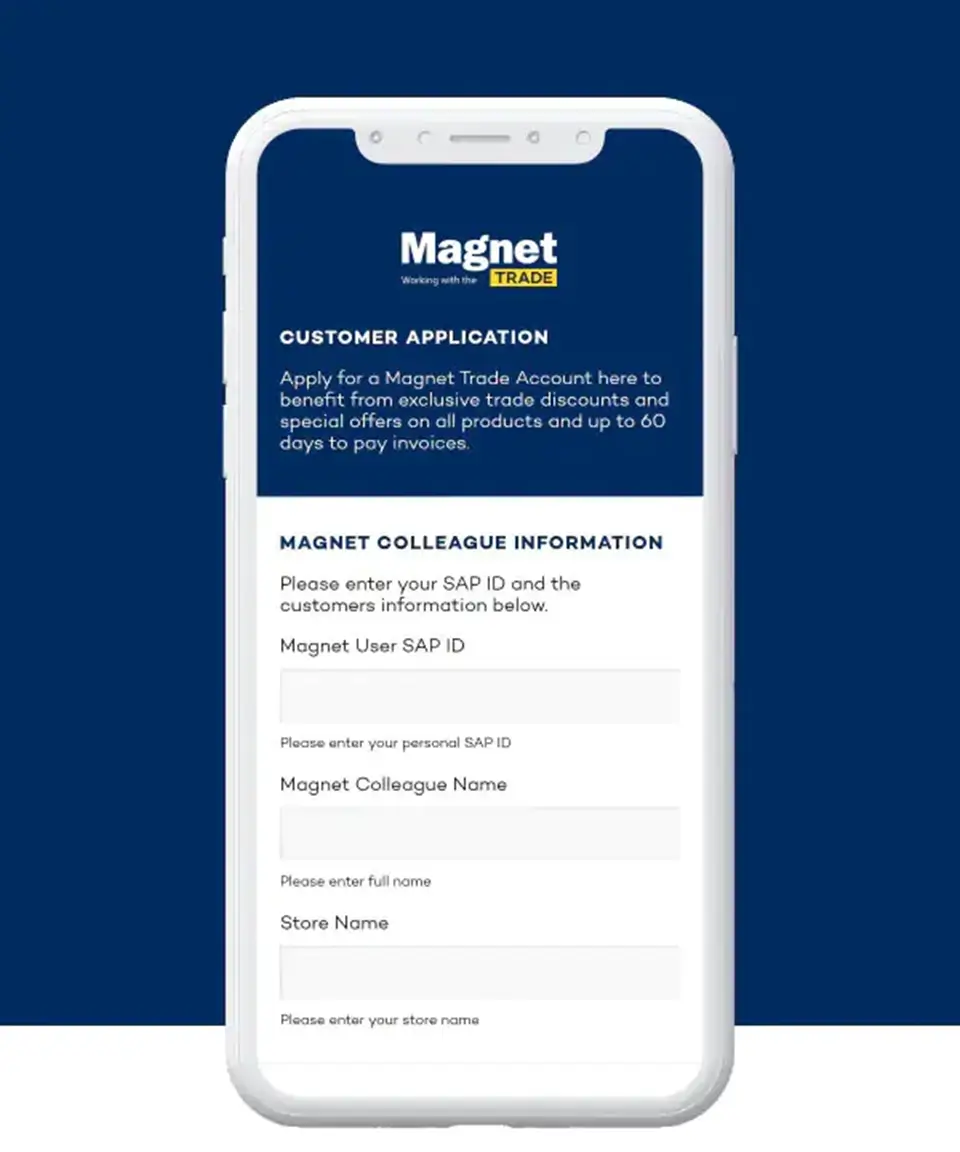
Magnet Kitchens
267%
Growth in revenue
Luxe by She
3
Audience routes: agencies, businesses and investors
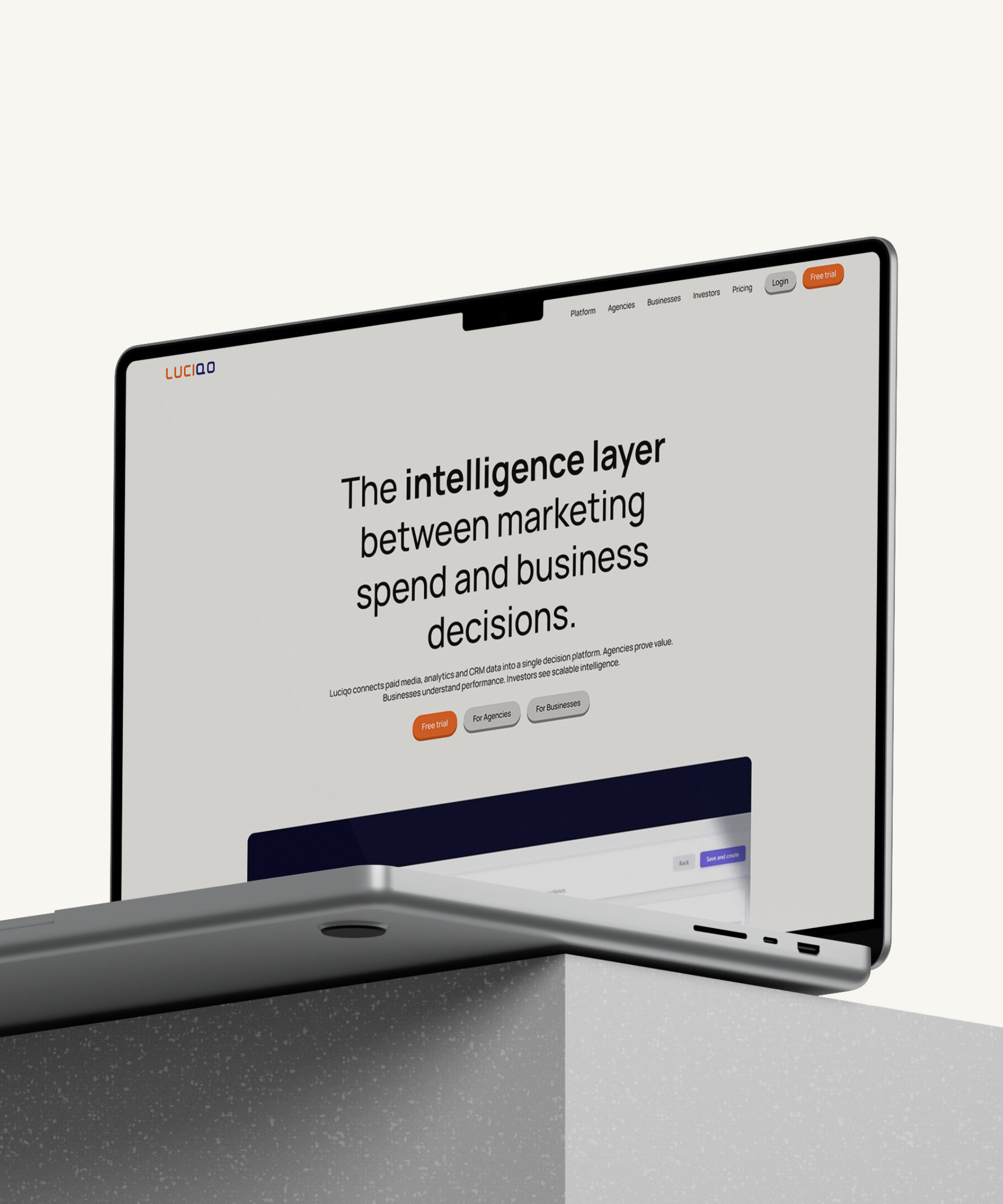
Luciqo
93%
Increase in organic traffic
Leon & Company
3
Audiences, each with its own route through the site
Leeds Law Society
97%
Increase in conversions
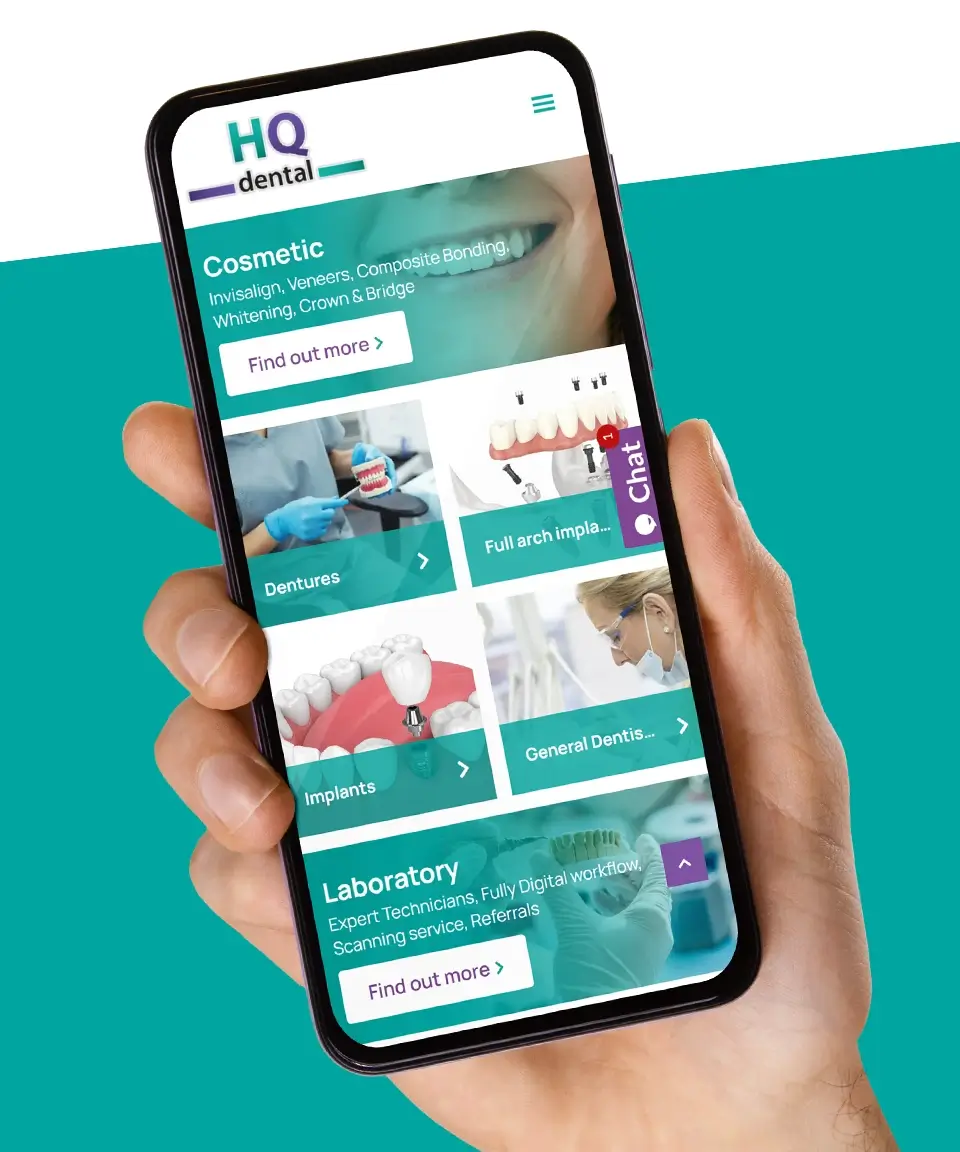
HQ Dental
9
Countries using the app
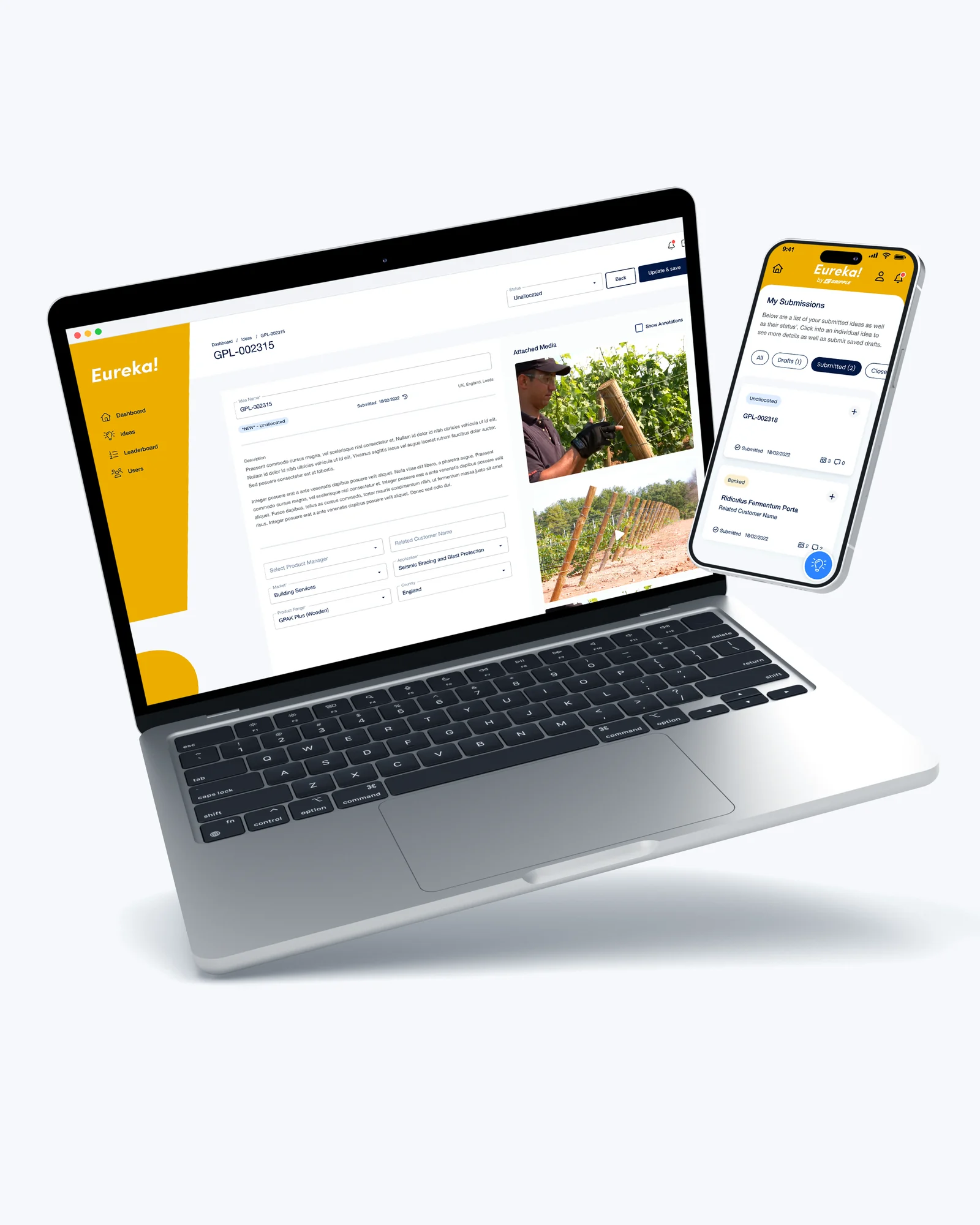
Gripple
1.1M
Sessions from 100 countries
Goldsboro Books
100%
Successful order captures
Delifresh
1251%
ROI from email marketing
Deal4Doors
68%
Increase in revenue
Clocking Systems
19%
Uplift from navigation redesign
ASHI Group Limited
5
Automated email flows, from welcome series to referral offer
Alicia Kite
56%
More visits from organic search, year on year
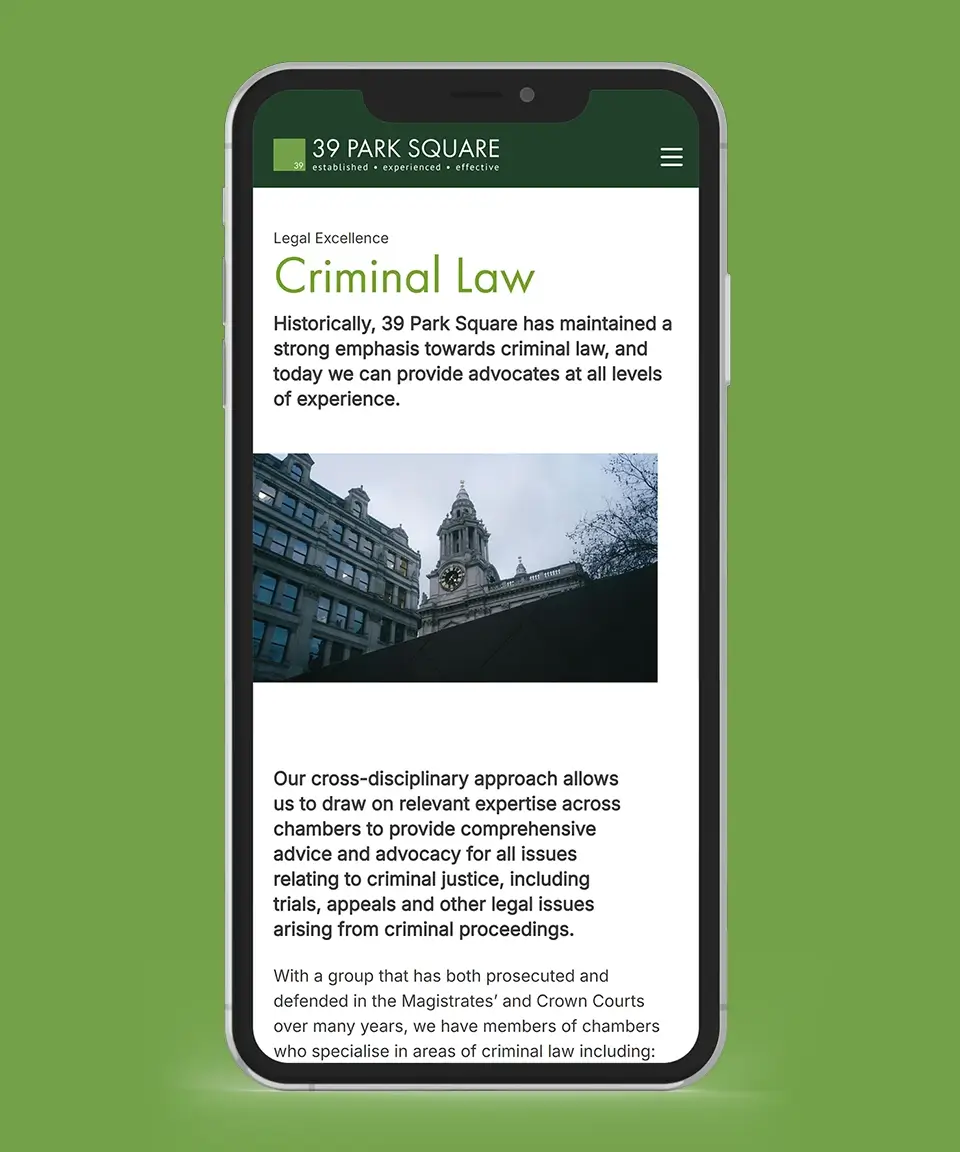
39 Park Square
12 weeks
From wireframes to launch
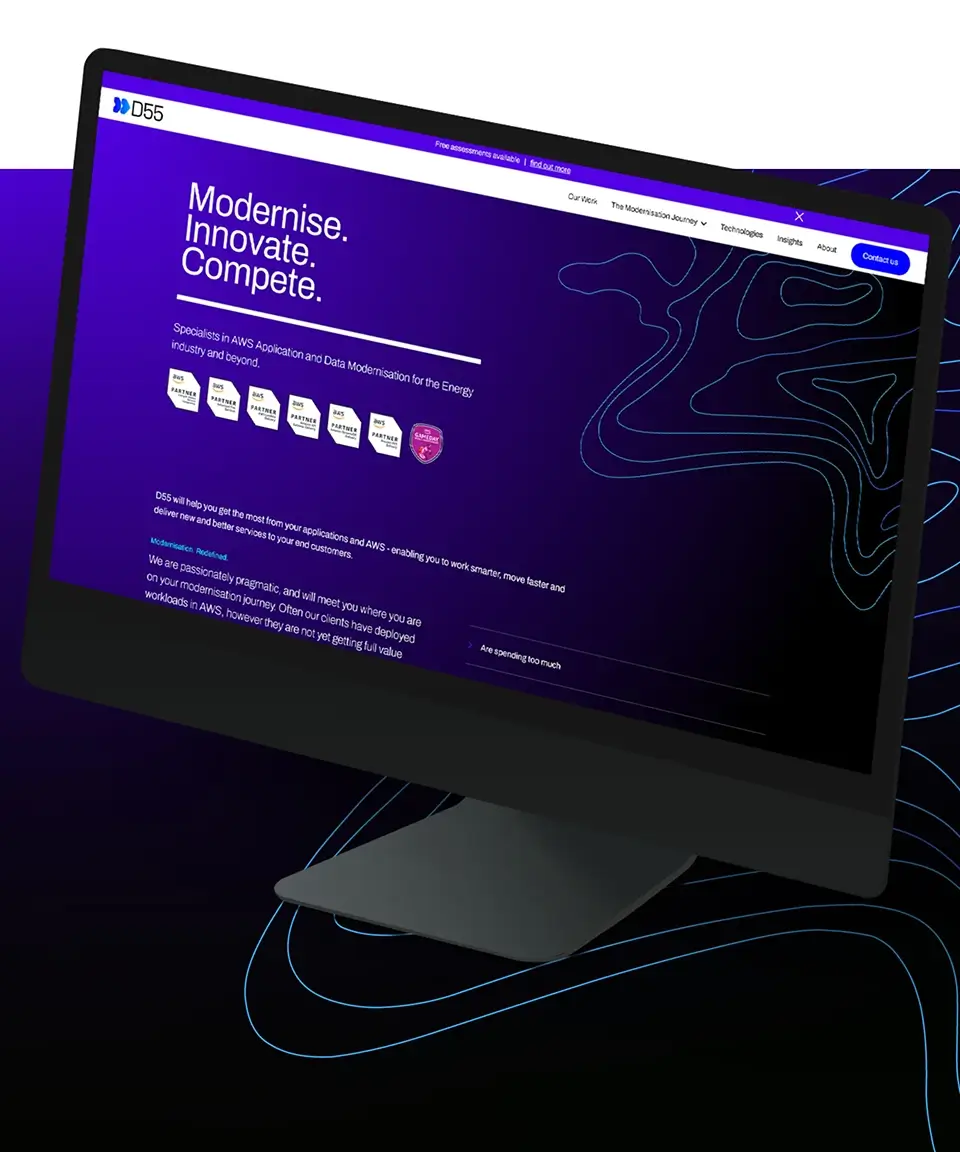
D55
100%
Bespoke solution
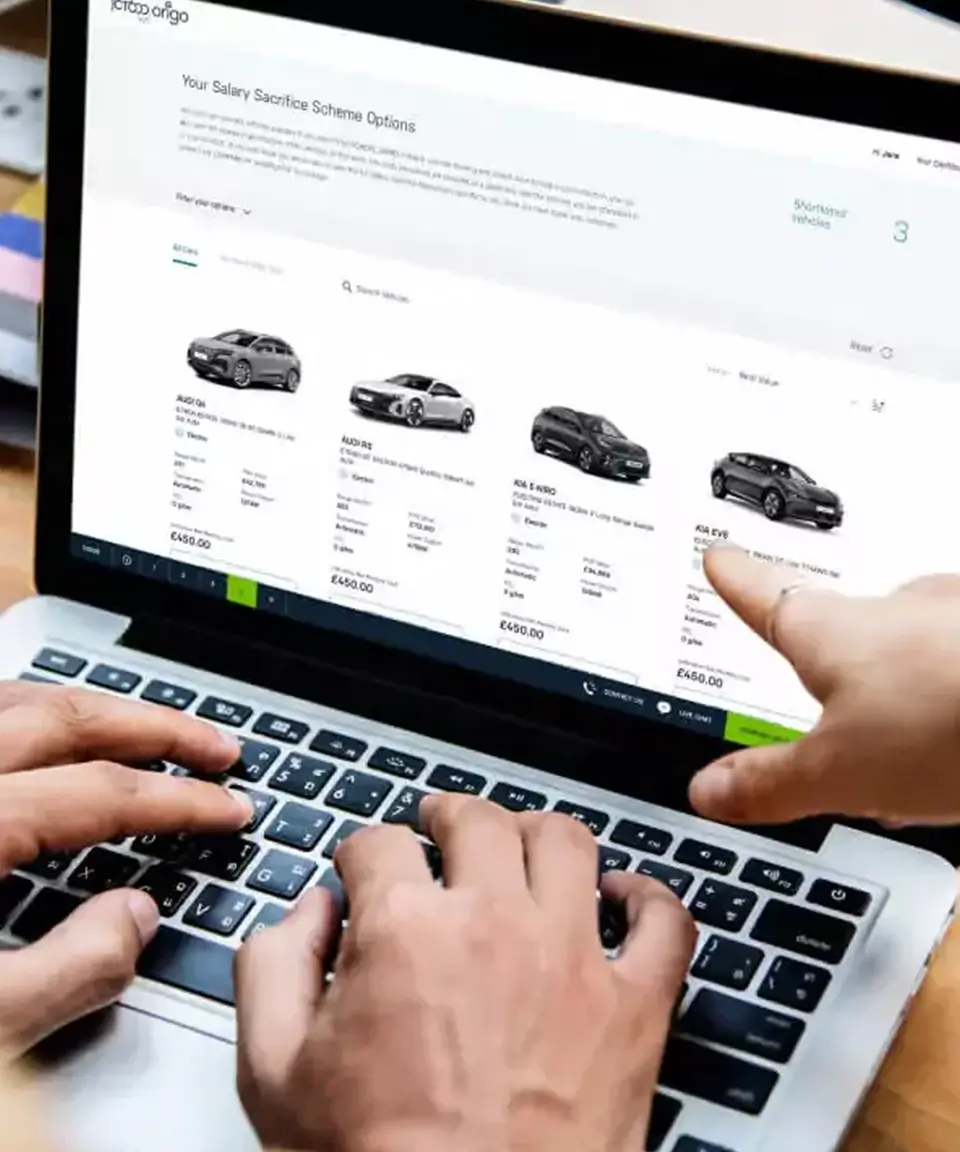
JCT600 VLS
£196K
Of new business won from 21 jobs
GME Group
Small jobs that *add up to days.*
Every B2B team has a list of tasks it repeats all week. An enquiry sits in a shared inbox until someone has time to read it. A quote gets rebuilt by hand from figures that already live in the CRM. Notes from a client call never make it onto the contact record.
None of these jobs is hard. Each one takes a few minutes, follows the same rules every time and uses data you already hold. Together they swallow days every month, and they slip first when the team is busy, which is exactly when they matter most.
That is where AI automation pays back fastest: high-volume, rule-based work where the data already exists. The aim is not to replace your people. It is to give them back the hours they spend copying, chasing and formatting.

HubSpot

Microsoft 365

Xero

Shopify

Zapier

n8n

Make

- New leads waiting hours for a reply
- Proposals and reports rebuilt by hand each time
- Overdue invoices chased only when someone remembers
- Meeting actions lost between the call and the CRM
- Automations that stop quietly and nobody notices
The intro line from System text is placed here by the page script.
People approve, *workflows do the legwork.*
Find the tasks worth automating
Automation workshop
We start with the people who do the work. A workshop maps the tasks they repeat, the systems involved and where things go wrong. We then rank the opportunities by time saved, error risk and effect on revenue, so the first automation you build is the one with the clearest return.
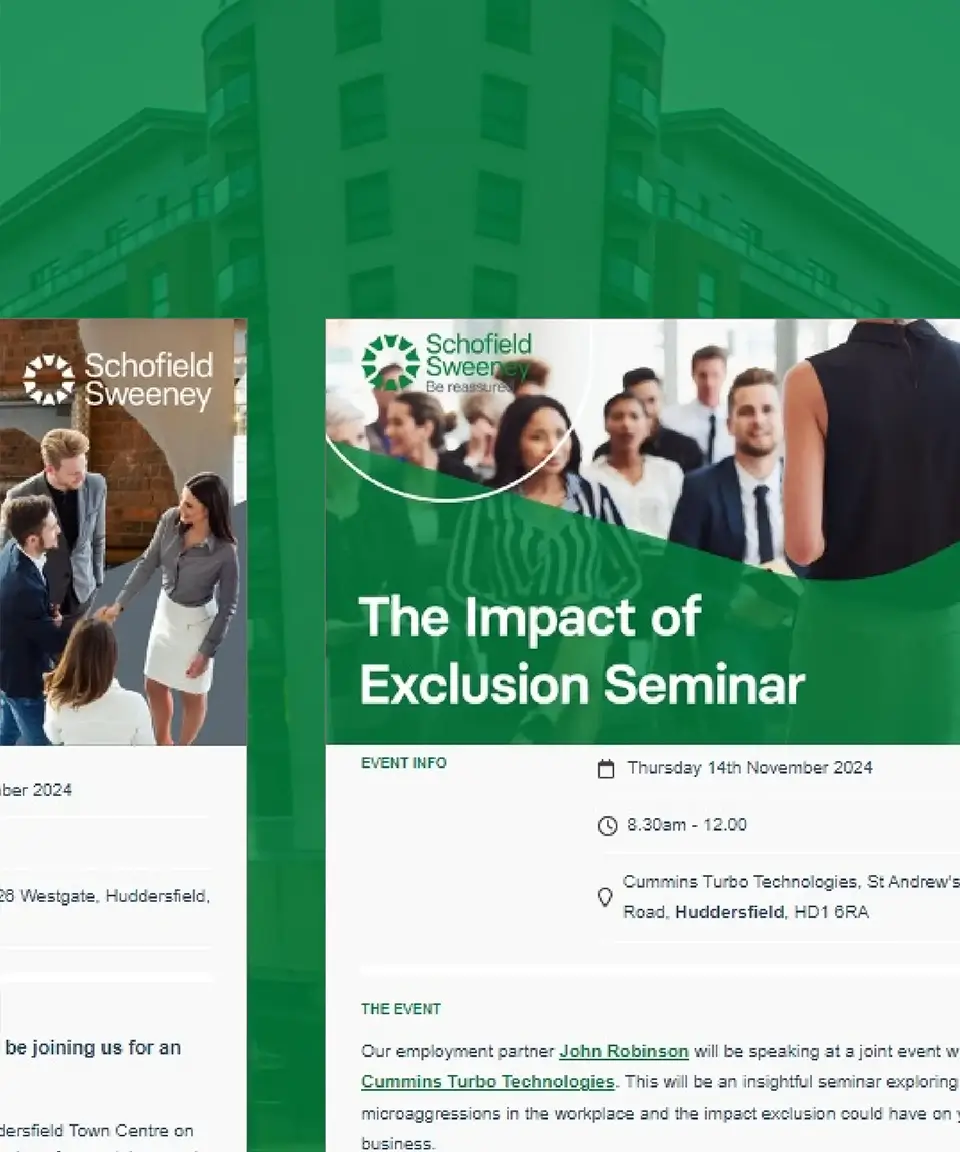
For Schofield Sweeney, a workshop with the marketing team turned into a prioritised list of automation projects, built and live in six months.
Connect your systems and data
Built on your data
Each workflow runs on the tools you already use: HubSpot workflows, Make, Zapier, n8n and the Claude API, joined to systems such as Microsoft 365, Xero and Shopify. We map the flow before we build it, so you can see every trigger, decision and hand-off.
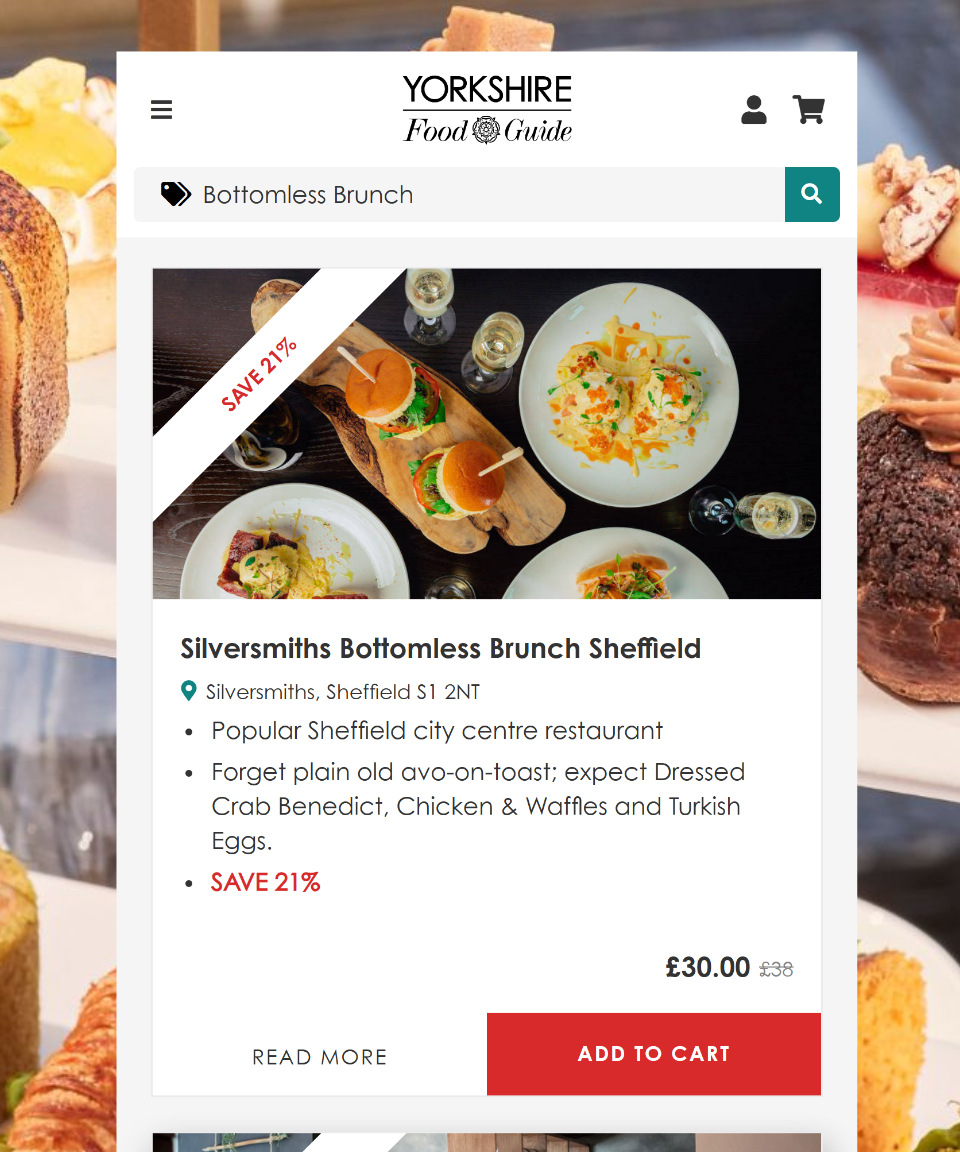
Automation is only as good as the records behind it. If your data is scattered across tools, we start with System Design. Yorkshire Food Guide shows why the groundwork matters: once we rebuilt its WordPress foundations and moved custom code into its own plugin, the team began using the updated technology to introduce automation that saves time and money.
Dry run before anything goes live
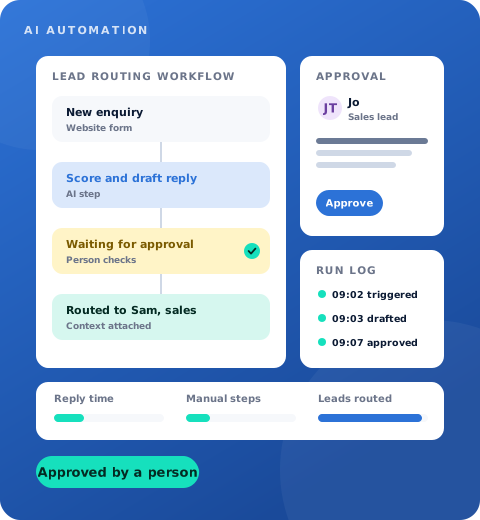
Approval step and dry-run mode
Every workflow ships in a dry-run mode first. It produces its output, logs it and waits for someone to approve it, and only goes live once the results have been checked against real work.
Customer-facing messages keep an approval step for as long as you want one.
Own it, monitor it, improve it
Named owners and run logs
Each automation has a named owner, a log of every run and a clear failure path. When a supplier's API changes or a record is missing a field, someone hears about it rather than the process quietly stopping.
Once workflows are live, Support keeps them monitored and improving, and we add the next automation on your ranked list when you are ready.
Want to see what this could do for your business? Talk to us →
We run it inside Ascensor *first.*
Our own marketing system uses n8n workflows, a Sanity content hub and Claude to plan content, draft it in each author's voice, audit websites and report results, with a person approving everything before it's published. What we sell to clients is what we use ourselves.
- n8n workflows handle the scheduling, routing and hand-offs
- Sanity holds the content in one place
- Claude drafts in each author's voice
- A person approves every piece before it goes out
AI automation *in detail.*
Where it pays back fastest
These are typical examples from B2B businesses. Most start with one or two and add more once the first has proved itself.
- Lead routing (sales). Scoring and routing new leads to the right salesperson within minutes of an enquiry.
- Proposals and quotes (sales). Drafting proposals and quotes from a CRM record and a pricing table.
- Content drafts (marketing). First-draft blog posts, LinkedIn posts and emails in a consistent brand voice.
- Credit control (finance). Chasing overdue invoices and flagging accounts at risk.
- Client reporting (operations). Monthly reports built from analytics, ad platforms and the CRM.
- Meeting actions (operations). Calls and meetings summarised into actions against the right record.
Smarter workflows for Schofield Sweeney
The law firm had HubSpot in place but was not getting the most from it. We mapped its existing automations and our proposals in Figma, then rebuilt the workflows behind in-person events, sports days and webinars, with Zoom and Microsoft 365 connected through Zapier. We delivered six priority items over six months, documented every process for the internal team and supported set-up for the first two event types. The work went beyond events too, improving internal processes such as recording meeting notes against contacts in HubSpot.
Back-end automation for Goldsboro Books
Goldsboro's old site relied on manual shipping and labour-intensive updates. Alongside the move to Shopify, we integrated Linnworks order management into the back end to automate processes and remove a host of manual shipping tasks. The result was a 100% improvement in the admin process and thousands of hours freed from shipping logistics.
AI-first production for The Ice Co
Automation is not only about admin. For The Ice Co we built an AI-first workflow that produced three videos for a summer campaign on Meta, with storyboards and prompts planned in ChatGPT and refined until the ice looked real. The campaign beat its click and cost-per-click targets on just over half the forecast budget.
AI automation at work *for clients like you.*










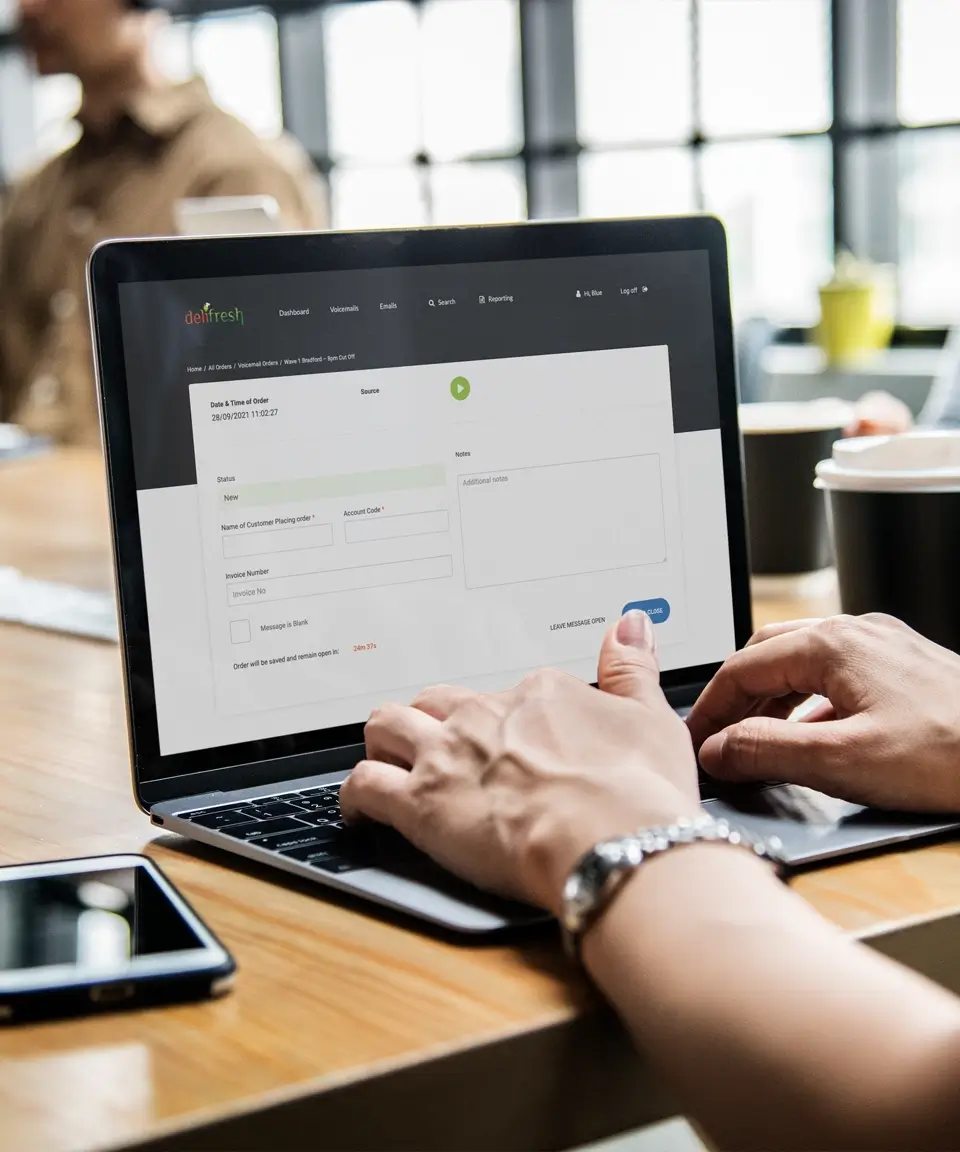

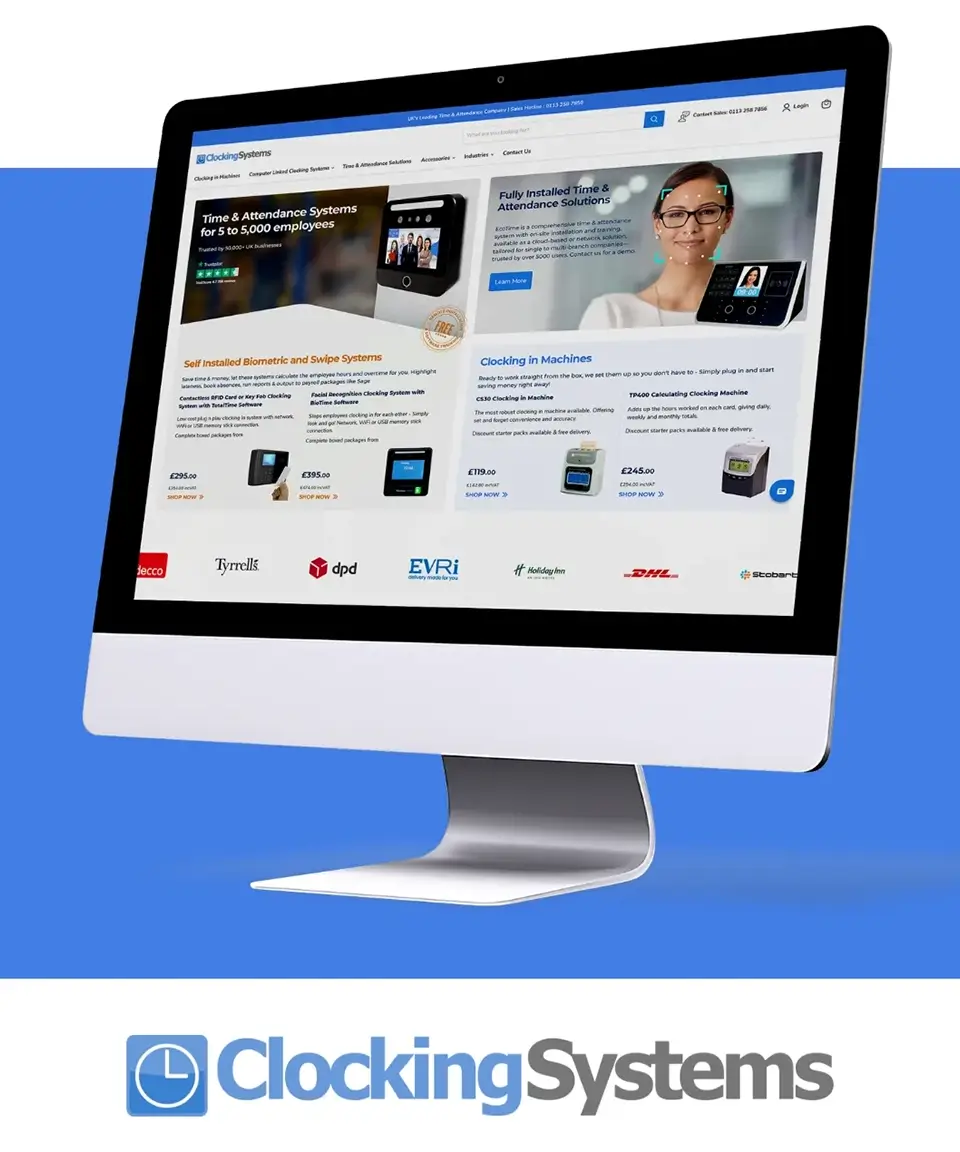
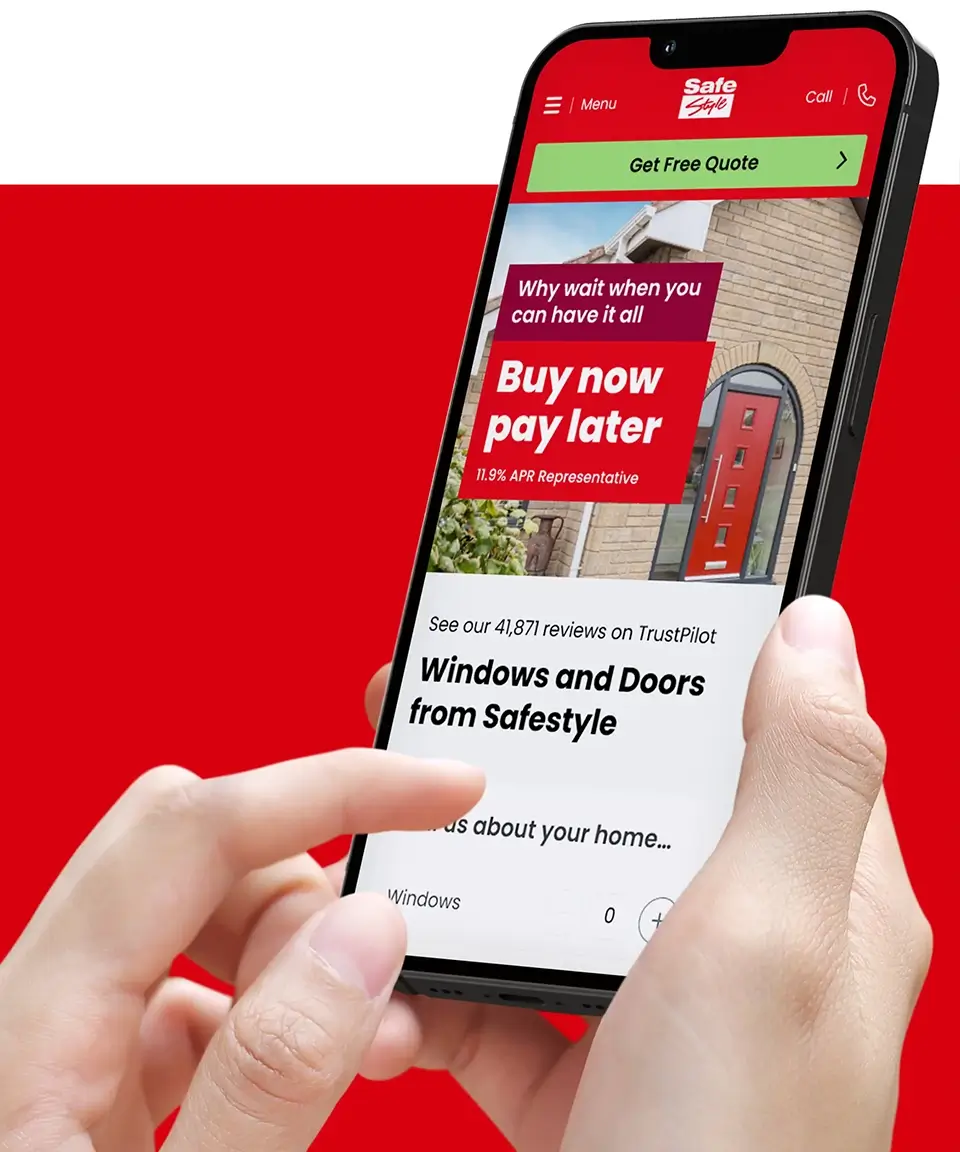
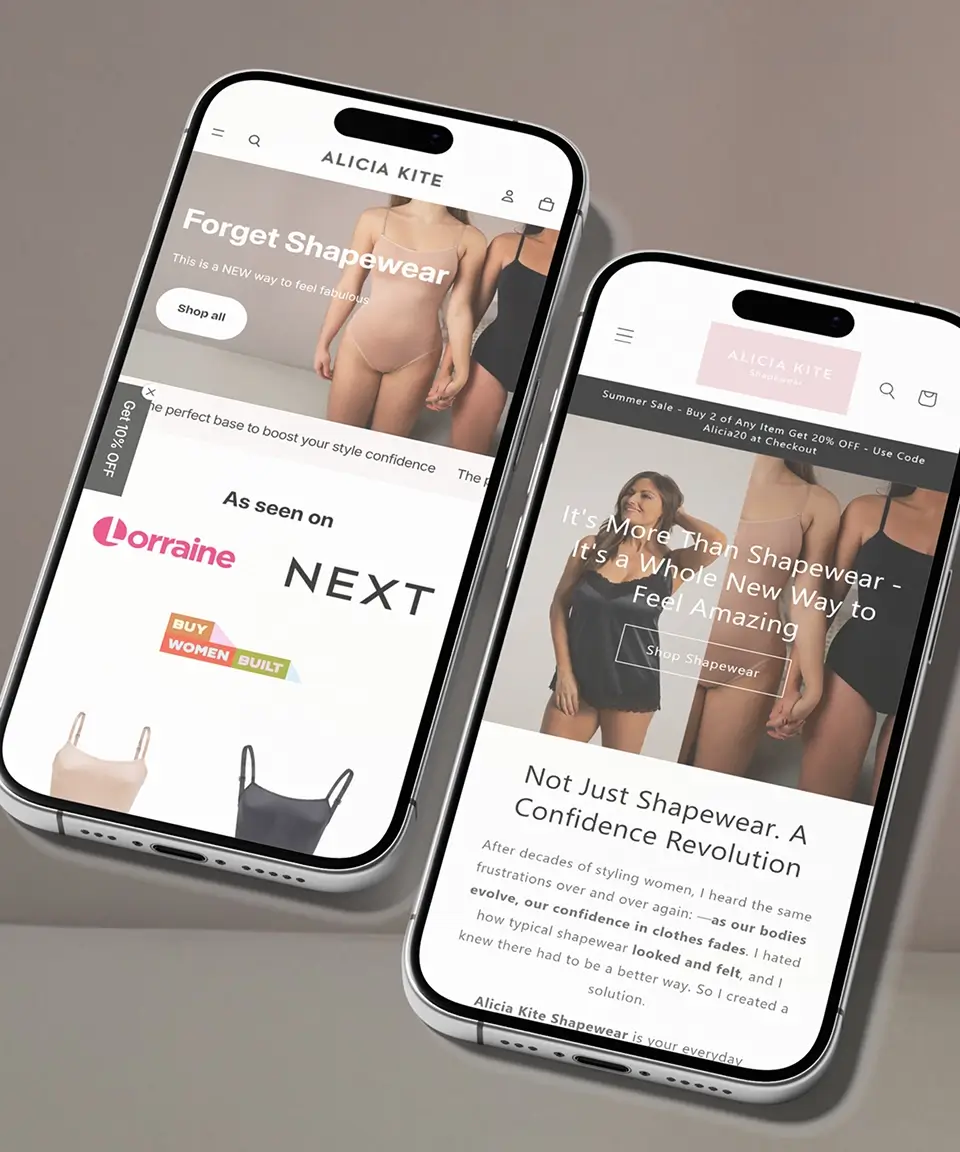

HubSpot is a very capable, yet complex CRM and marketing system. We’ve adopted it at Schofield Sweeney but weren’t getting the most out of it. Thanks to working with Ascensor we’ve been able to make big improvements to all our automations, including meeting sequencing, nurturing and follow-up.

Ann Marie Keighley
Marketing Director
Schofield Sweeney
What you get
Intro
What you get *from every workflow.* Automations you can see, check and trust with real work. Dry run | Before go-live | Output checked against real work before anything runs on its own. 1 | Named owner | Someone accountable for each workflow, alerted the moment it fails. Every | Run logged | A full history, so you can see what happened and why.
Common questions *about AI automation.*
Not seeing your question? Tell us what you are trying to achieve and we will tell you how we would approach it.
What kinds of tasks are good candidates for automation?
The best candidates happen often, follow clear rules and draw on information you already store somewhere. Think of the jobs your team could explain in a few sentences but still does by hand every week. Tasks that rely on judgement, negotiation or relationships stay with people, though automation can gather the context they need beforehand.
Will AI send emails to our customers without anyone checking?
Only if you decide it should. Anything a customer will see can stay behind a sign-off from one of your team for as long as you like. Many clients keep that check permanently for sensitive messages and remove it for routine ones, such as booking confirmations, once they are happy with the quality.
Which platforms do you build automations with?
We pick whatever suits your existing setup rather than forcing a new platform on you. That often means n8n, Make or Zapier for the connections, HubSpot for CRM workflows and Claude for anything that involves reading or writing language. If you already pay for a tool that can do the job, we use it.
How long does it take to build an automation, and what does it cost?
It depends on how many systems are involved, how clean the underlying data is and how much testing the process needs. A simple hand-off between two tools is a very different job from a multi-step process across sales and finance. Send us the task and we will give you a clear estimate before any work starts.
Is our data safe when you use AI tools?
We hold Cyber Essentials Plus and apply the same standards to the workflows we build for you. We agree up front which data each workflow can access, keep permissions as narrow as possible and choose AI services whose terms suit your business. Where information is sensitive, we can keep it out of AI steps entirely.
Do our systems need to be tidy before we automate anything?
Not perfect, but reliable enough that a workflow can trust what it reads. If customer records are duplicated or key fields are often empty, an automation will repeat those mistakes faster. In that case we usually recommend sorting the foundations first, which is what our System design service covers, and then automating on top.
Talk to us
A few details is enough to start. We will reply to say how we would approach it.
Prefer to call? 0113 831 4400
Thanks, we have your enquiry.
One of our specialists will reply to say how we would approach it. Want to talk sooner? Call 0113 831 4400.
Works well alongside.
- System design Joined-up systems and clean data for automation to run on.
- AI solutions How we put AI to work across marketing, sales and operations.
- HubSpot agency The CRM where most sales and marketing workflows live.
- Software support Monitoring and improvement once your workflows are live.